
 Useful tips
There is nothing worse than a slow Internet connection that prevents you from streaming a match of your favorite football club or watching an interesting series and movie.
If your home Internet is constantly moving at the speed of a snail, there are a few tricks to help you cope with this problem and save your nerves.
Here are 7 simple but effective and effective tips that can help you increase the speed of your home Internet:
How to increase home internet speed
1. Restart your modem or router
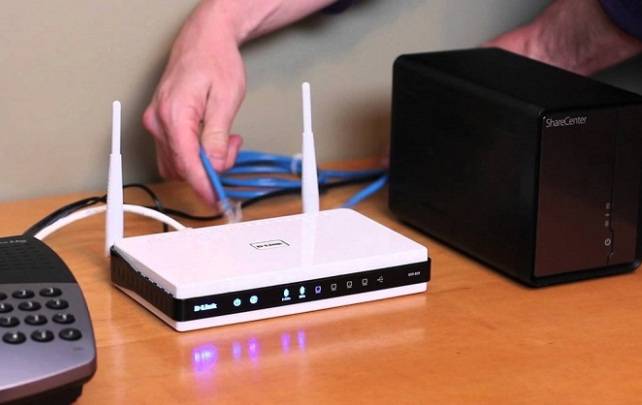
Often, problems with the Internet are due to the fact that your router or modem simply needs a normal reboot.
Completely disconnect the modem or router by unplugging the power cords from both devices and wait a couple of minutes. Then turn them back on. This seemingly simple trick can really fix the problem of slow Internet.
How to increase internet speed through a router
2. Move the router
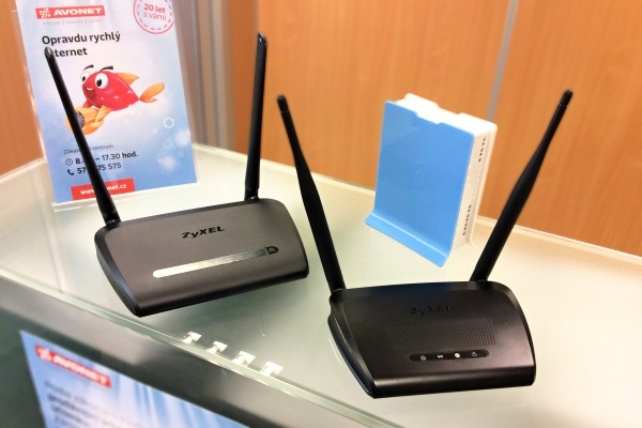
We often complain that our router does not work well.
But maybe it's because he's in the wrong place? It is quite logical that if you put the router somewhere behind the sofa or in another hard-to-reach place, you simply block the signal and slow down WiFi.
The router must be in an open space, so place it on a hill or in a place where signals will not be blocked by various partitions.
The ideal would be to place the router somewhere higher. If this is a private house, then the best option would be an attic or upper floor.
How to increase WiFi internet speed
3. Protect your WiFi with a password
Do you live in a densely populated area (like a large apartment building)? Then it makes sense that your internet could be stolen.
If your Internet isn't password-protected and it's suddenly slow, it's likely someone is actually borrowing it from you.
As a rule, the first sign that someone else is using your WiFi is slow internet speed.
To avoid this problem, make sure to protect your WiFi with a strong password.
Also read: 15 useful Instagram tricks everyone needs to know
4. Check your Internet bandwidth

Perhaps some family members spend most of their time playing games. This habit can slow down your internet bandwidth.
Some apps, like video games or streaming services like Netflix and similar services, take up as much bandwidth as Facebook's app.
If this is the case and the first three methods don't work, note that your router has a tool called Quality of Service (QoS) that you can use to prioritize specific services.
Since each router works differently, be sure to read the instructions to learn how to configure QoS in your particular case.
5. Change the channel

Like radios, wireless routers operate on different channels and frequencies. And if your router is set to the same channel as your neighbors, it is possible that you will have a weak signal.
To find the best frequency for your Wi-Fi, use the dedicated How To Geek user guide.
6. Upgrade your equipment

If you have a router that says 2010, of course, you may face certain problems. The quality of the Internet will raise some questions.
Remember that to ensure a fast connection, you must work with the latest equipment. Technical progress does not stand still; every year manufacturers produce more and more sophisticated routers.
Make sure that your router is not out of date to such an extent that it can slow down Internet speed.
7. Buy an internet signal amplifier

If your equipment is updated, you can expand your WiFi range and, in turn, its strength by purchasing a special range extender.
As a rule, it is inexpensive, but it perfectly amplifies the signal, thereby bringing the Internet speed to a new, higher level.